Description:
This article describes how to run your first DEM simulation with Aspherix. You will be guided through all necessary steps to complete your first DEM simulation in only 5 minutes. You will learn how to run and post-process a predefined simulation setup using your local hardware.
You will find these instructions and more detail in the documentation of Aspherix: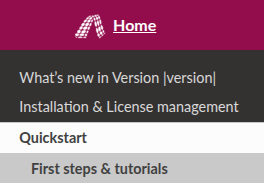
Hands on:
Use your terminal to navigate to the desired example folder, which is located in the installation folder of Aspherix e.g. “examples/gpu/drum”.
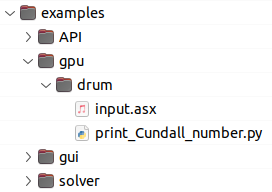
Start the simulation by executing
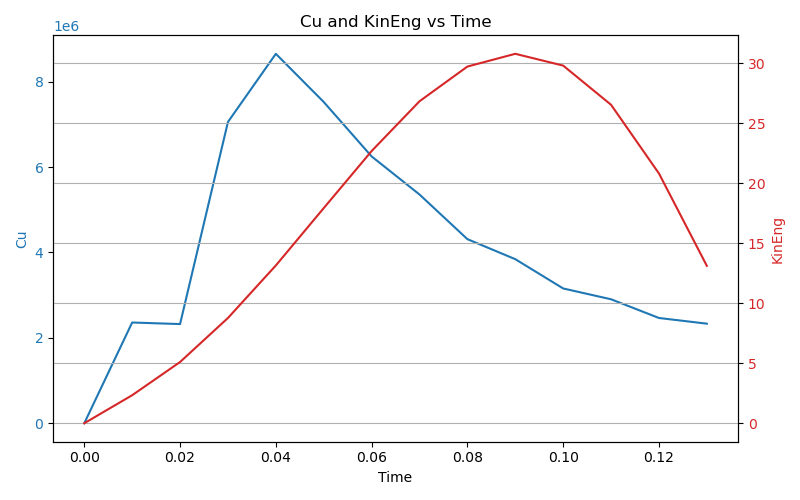
aspherix -in input.asxThe simulation will provide output directly to the terminal as well as a “log_” file and a “.csv” file. You can for instance use the python script, that is provided with the case to print the kinetic energy and Cundall number over time.
After the simulation has completed, you can use paraview to visualize the particle positions, velocities etc. which are stored in the “post” folder. Please find details on post processing in the Aspherix documentation.
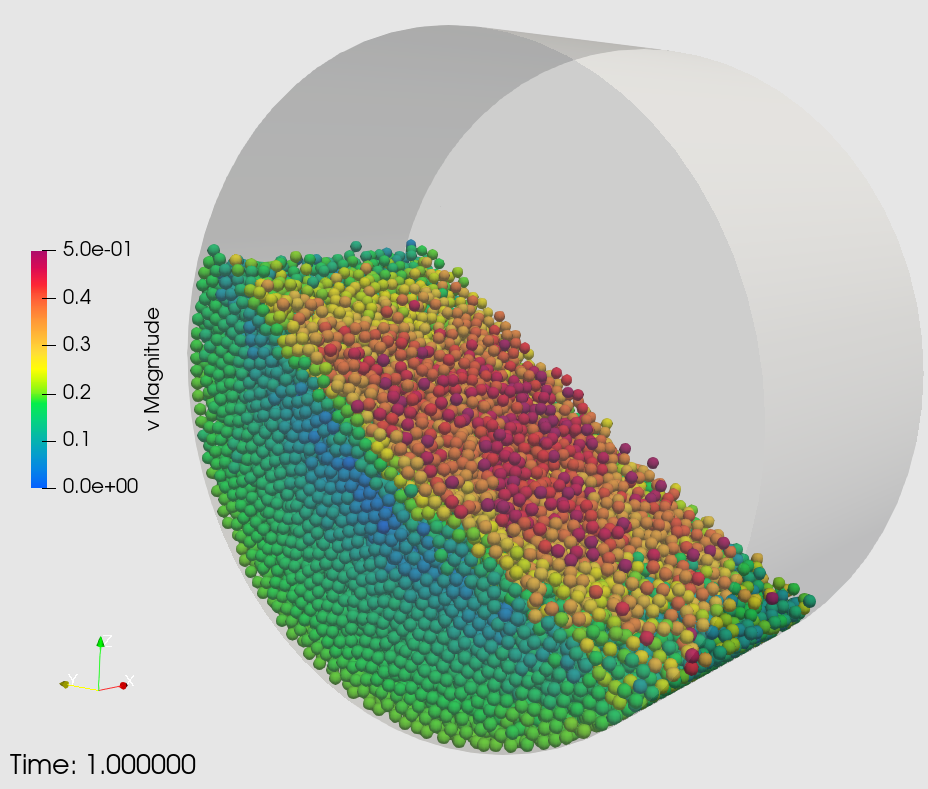
The case setup in “examples/gpu/drum” consists of a horizontal rotating drum, which is filled with particles. Due to gravity, the randomly inserted particles settle and due to the rotational motion of the walls, the particles dynamically form a “heap” at the upward moving side of the drum. The drum has a diameter of 0.2m, a wall velocity of 0.2m is filled with 20k particles of 4mm diameter and 2000kg/m3.
The setup is parametrized, so that the user can increase the particle count (to e.g. 100k particles) and drum length accordingly by executing
aspherix -in input.asx -var n_particles 100000When increasing the particle count to 2e6 particles, the case will stretched along the drum axis accordingly.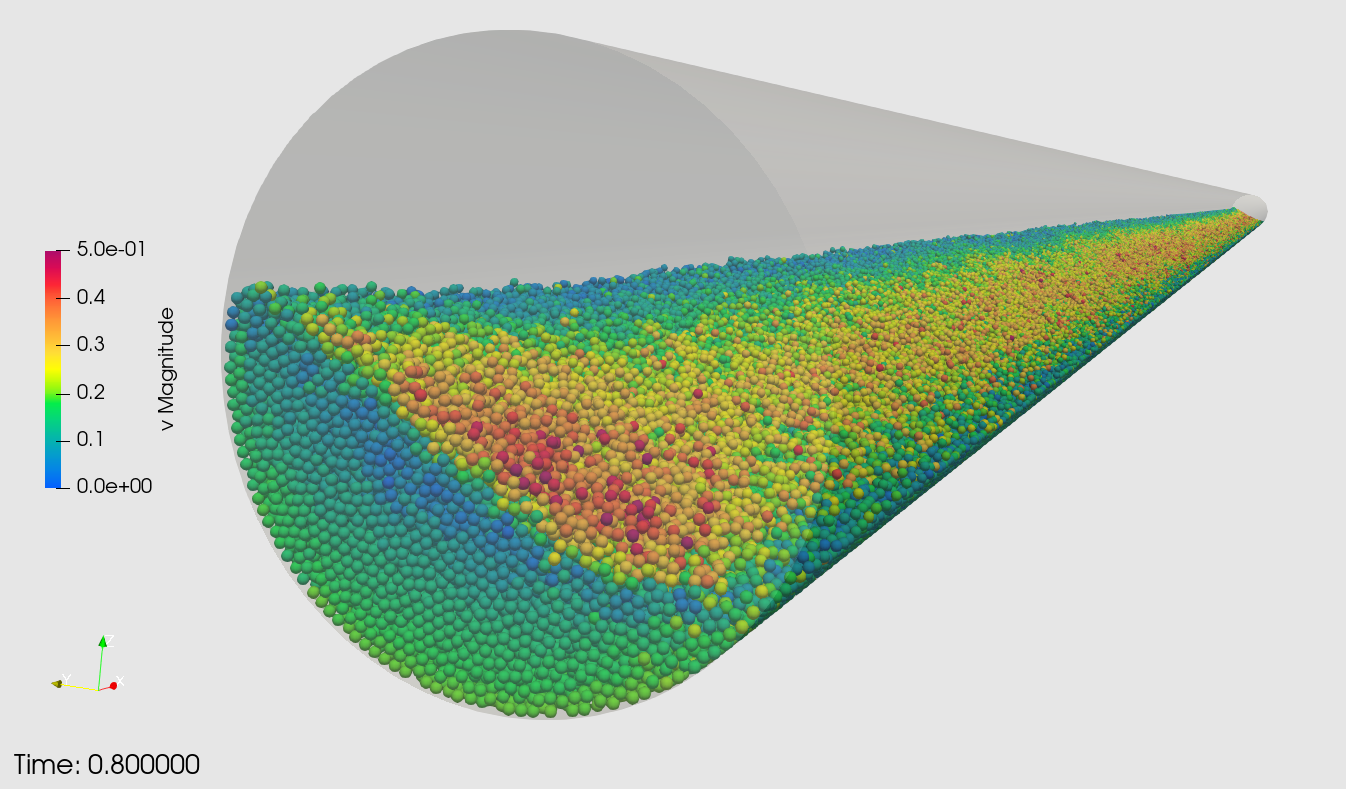
This tutorial can also be found in the online documentation.
Next steps:
- Something went wrong and you need help? Please have a look at the FAQ.
- You want to learn more about the possibilites of Aspherix DEM software? Find some application cases on vimeo, or at the DCS website.
- You want to learn how to set up more complex DEM simulations? Find details in the Aspherix online documentation or your personal documentation coming with your installation.
- You want to stay informed? Follow us on LinkedIn and register to our newsletter.
Was this article helpful?
That’s Great!
Thank you for your feedback
Sorry! We couldn't be helpful
Thank you for your feedback
Feedback sent
We appreciate your effort and will try to fix the article